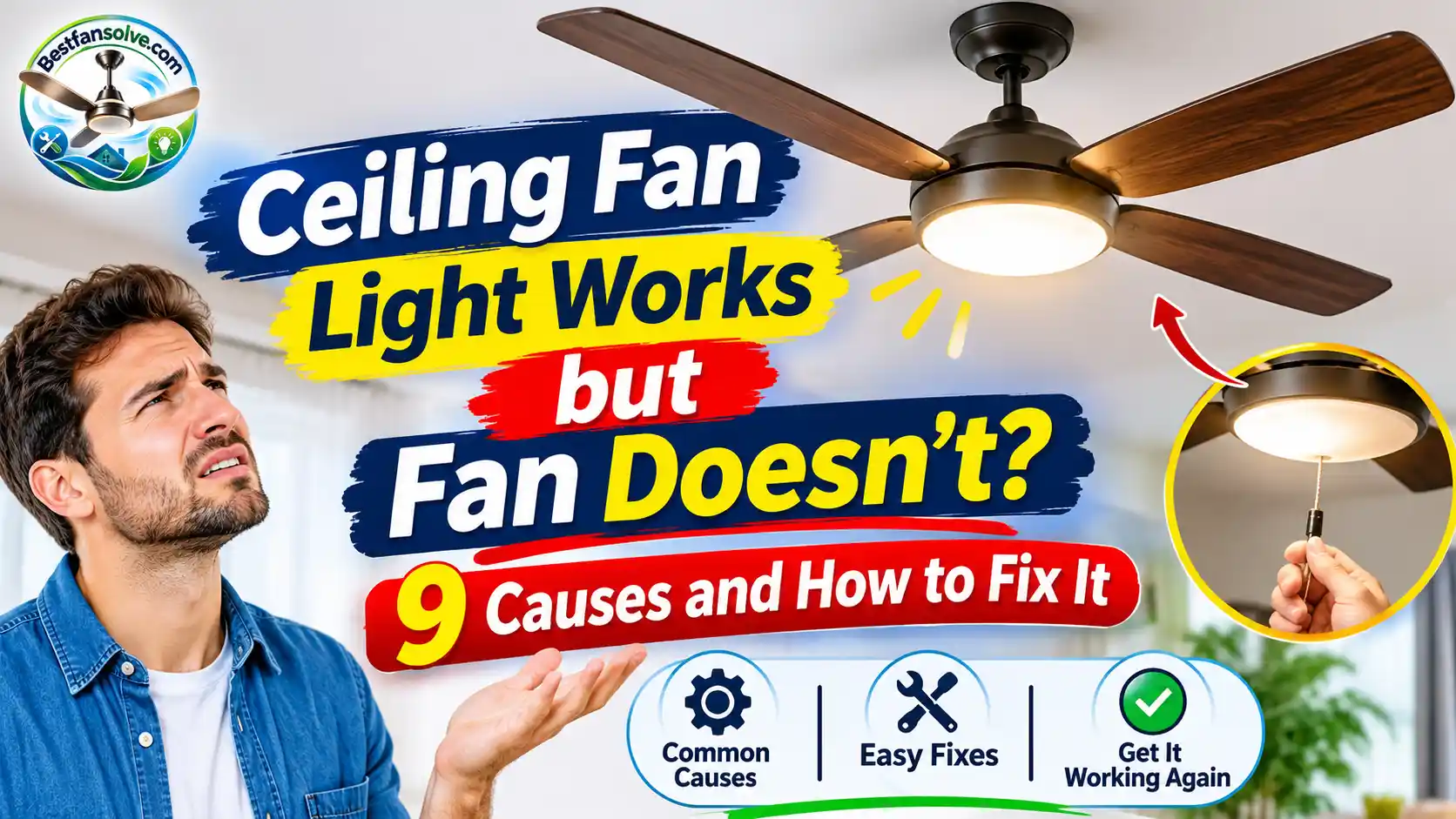
You turn on your ceiling fan, and the light comes on without any problem. But the blades remain completely still. You try the remote, flip the wall switch, and press the speed button again. Nothing happens.
It is a frustrating situation, especially when you need the fan to cool your room. The confusing part is that the light works perfectly, making it seem as though the entire ceiling fan should be receiving power.
However, the light and motor do not always share the same control path. A ceiling fan can have a working light while its motor circuit, speed control, receiver, or internal components have a problem.
The good news is that a stopped fan does not automatically mean you need to replace the entire unit. Sometimes the issue is as simple as an incorrect speed setting or a remote-control problem. Other times, a failed capacitor, damaged receiver, loose motor connection, or faulty motor may be responsible.
In this guide, you will learn why your ceiling fan light works but the fan doesn’t, what you can safely check yourself, and when it is better to call a qualified electrician.
Quick Answer: Why Does My Ceiling Fan Light Work but the Fan Doesn’t?
When a ceiling fan light works but the blades do not spin, the problem is often related to the motor’s control system rather than the light kit.
Common causes include:
- The fan speed control or pull chain is set to OFF.
- The remote or smart control is not sending the correct fan command.
- A wall switch or fan speed controller is faulty.
- The reverse switch is not fully engaged.
- The pull-chain speed switch is damaged.
- The motor capacitor has failed on a compatible AC fan.
- The receiver or DC motor controller is defective.
- A motor connector or electrical connection is damaged.
- The motor is obstructed, seized, or damaged.
The exact cause depends on your ceiling fan’s design. A traditional AC fan and a modern DC fan may use different motor-control components, so it is important to check the manufacturer’s instructions before assuming which part has failed.
How Can the Light Work When the Ceiling Fan Motor Doesn’t?
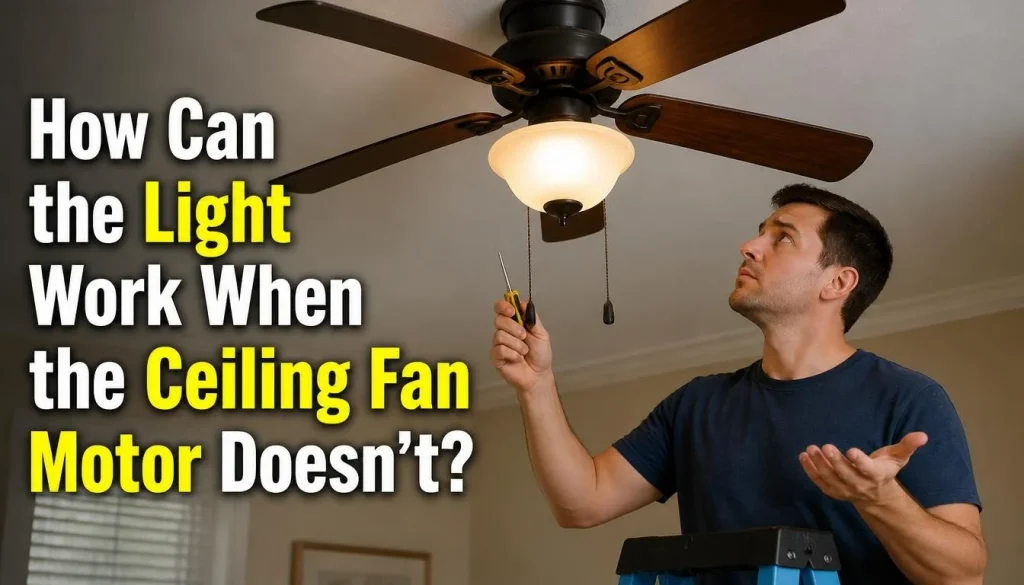
A ceiling fan with a light has two main functions: circulating air and providing illumination.
Although both functions are housed in the same fixture, they may use separate switches, control outputs, and internal components.
For example, a remote-controlled ceiling fan may have a receiver that handles the light and motor commands separately. If the light-control section continues working but the motor-control output fails, the light can remain on while the blades stay still.
The same situation can happen with a pull-chain fan. Its light and motor may have separate switches, allowing one function to work even when the other develops a fault.
This is why a working ceiling fan light does not necessarily prove that the motor is receiving the correct electrical supply or control signal.
9 Common Reasons Your Ceiling Fan Light Works but the Fan Doesn’t
Before replacing the motor or buying a new fan, consider these nine possible causes.
1. The Fan Speed Is Set to OFF
This is one of the simplest things to check.
Some ceiling fans have a pull chain that controls the motor speed. Depending on the model, the chain cycles through different settings, such as high, medium, low, and off.
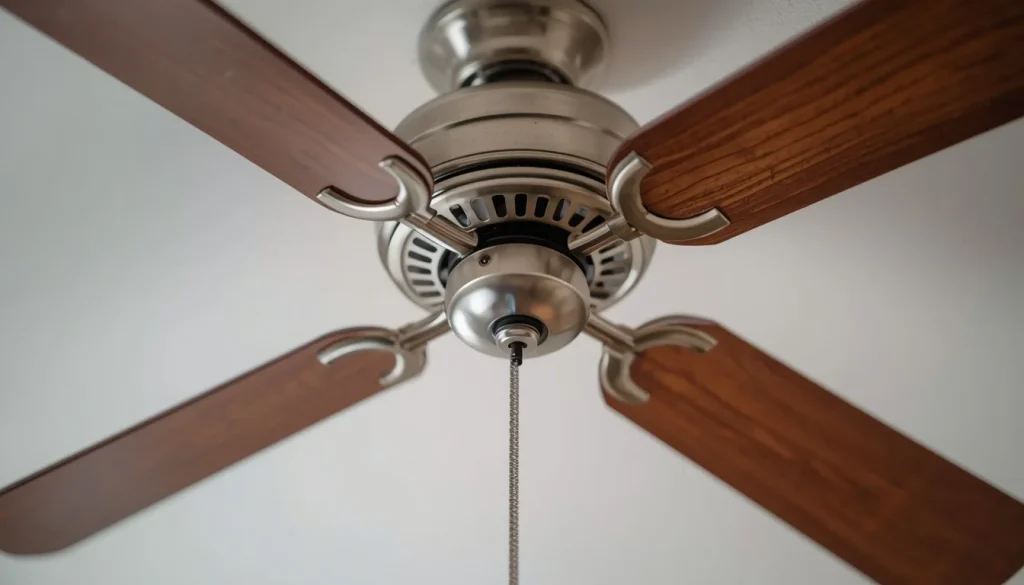
It is possible to switch on the light while the motor pull chain remains in the OFF position. In that situation, the light works normally, but the blades do not move.
This can also happen when someone accidentally pulls the chain too many times or changes the speed setting without realizing it.
What to check:
- Identify whether your ceiling fan has a separate motor pull chain.
- Check the manufacturer’s instructions to understand its speed settings.
- Operate the pull chain gently, following the correct sequence for your model.
- Test whether the motor starts at another speed.
If the chain is loose, stuck, or does not produce its usual clicking action, the internal switch may be damaged. Do not pull it forcefully.
2. The Remote or Smart Control Is Not Sending the Fan Command
Remote-controlled and smart ceiling fans make it easy to operate the light and motor independently.
However, a control problem can prevent the fan from responding even when the light works.
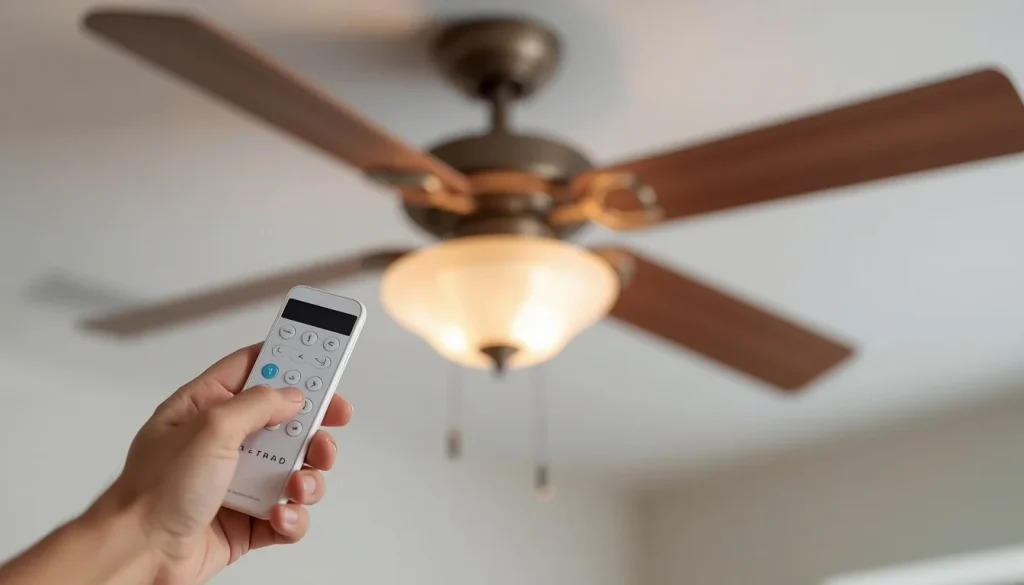
Possible reasons include:
- Weak or dead remote batteries.
- Lost communication between the remote and receiver.
- An incorrect pairing or programming setting.
- An incompatible replacement remote.
- An app or smart-control problem.
- A damaged fan-speed button.
For example, you may press the light button and see the light respond, but pressing the fan-speed button produces no movement.
This does not automatically mean the motor is damaged. The problem may be limited to the remote’s fan command or the receiver’s motor-control function.
What to check:
- Replace the remote batteries with fresh batteries of the correct type.
- Check whether the remote’s buttons respond normally.
- Make sure you are selecting the fan-speed or fan-power button rather than the light button.
- If you use a smartphone app, check whether the fan appears connected and responsive.
- Consult the manufacturer’s instructions for the correct pairing or reset procedure.
Remote pairing methods are different across brands and models. Avoid using a random reset sequence intended for another fan.
For more detailed guidance, see our article on ceiling fan remote problems and how to fix them.
3. The Wall Switch or Fan Speed Controller Is Faulty
Some ceiling fans have separate wall controls for the motor and light. Others use a single switch to supply power to the fixture, with additional controls for speed and illumination.
If the motor-side switch or speed controller becomes faulty, the light may continue working while the fan remains unresponsive.
An incompatible wall control can also cause problems. For example, a standard lighting dimmer is not necessarily suitable for controlling a ceiling fan motor.
Possible warning signs include:
- The light works, but the fan does not respond to the wall control.
- The fan operates intermittently.
- The speed control does not change the fan’s speed.
- The fan behaves differently depending on which switch is used.
What to check:
First, make sure you are using the correct wall switch for the fan. If your installation has separate switches, check that the motor switch is turned on.
If the fan uses a speed controller, consult the fan’s manual to confirm that the control is compatible with the motor.
Do not remove the wall plate or inspect switch wiring unless you are qualified to carry out electrical work. A qualified electrician can test the switch and determine whether it needs replacement.
4. The Reverse Switch Is Stuck Between Positions
Many ceiling fans have a reverse function that changes the direction of blade rotation.
Depending on the model, you may find a small switch on the motor housing or a direction control on the remote.
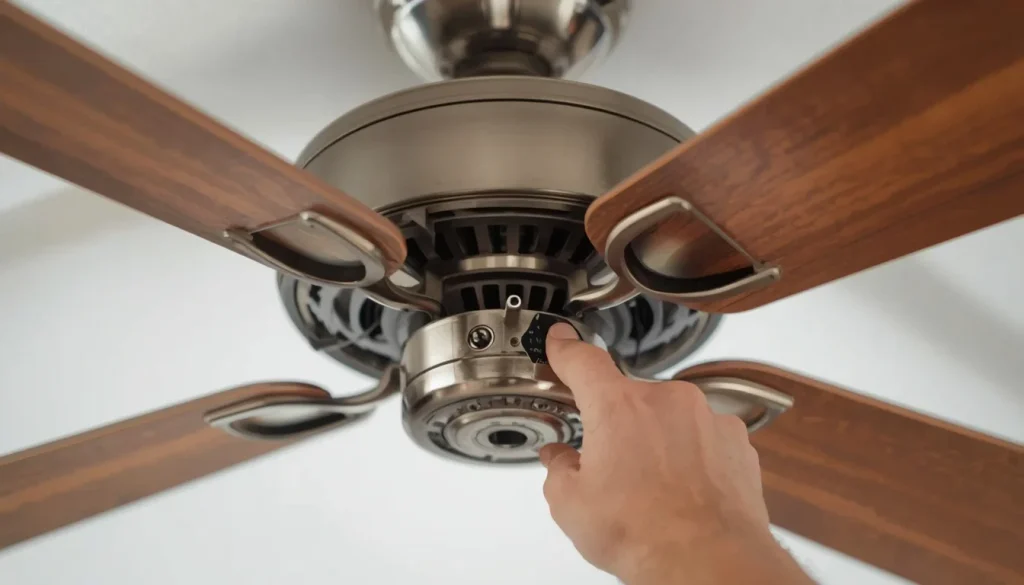
The reverse switch must be in one of its intended operating positions. If a physical switch is left between positions, the motor may fail to operate correctly.
This is not necessarily a motor failure.
What to check:
- Turn the fan off.
- Wait until the blades have stopped completely.
- Isolate power at the circuit breaker before touching the physical switch.
- If your model has a manual reversing switch, follow the manufacturer’s instructions to move it fully into one position.
- Restore power and test the fan.
Some modern fans change direction electronically through a remote or controller and do not have a physical reversing switch. Always follow the instructions for your particular model.
Hunter also recommends making sure the motor reversing switch is properly engaged when troubleshooting certain ceiling fan problems. You can review its official ceiling fan troubleshooting guide.
5. The Pull-Chain Speed Switch Is Damaged
A pull-chain speed switch allows you to select the fan’s operating speed.
Like other mechanical components, it can wear out after years of regular use. Its internal contacts may stop working even though the light’s separate switch continues to operate.
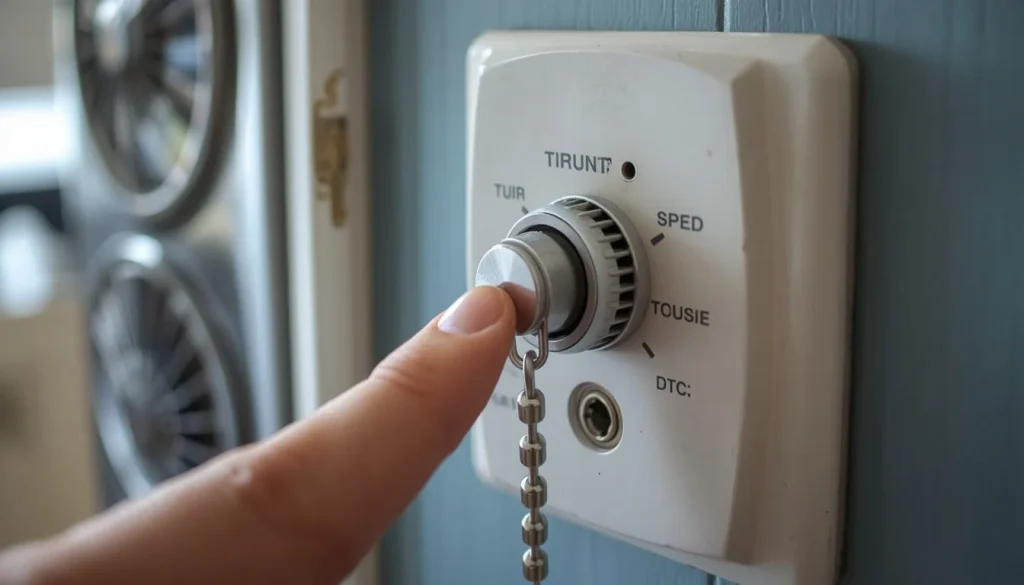
You might notice that:
- The pull chain feels unusually loose.
- The chain no longer clicks normally.
- Pulling the chain does not change the fan’s operation.
- The light works, but none of the motor speed settings responds.
In some cases, the chain itself may still move even though the switch inside the housing has failed.
What is the solution?
A damaged pull-chain switch may need to be replaced with a compatible part.
However, the switch is usually connected to internal electrical wiring. Replacing it is not a suitable repair for someone without the necessary electrical knowledge and experience.
A qualified fan technician or electrician can identify the switch type, check its compatibility, and replace it safely.
6. The Ceiling Fan Capacitor Has Failed
A faulty capacitor is a possible cause of a ceiling fan that will not start, particularly in traditional AC ceiling fan designs that use a capacitor as part of the motor’s starting or speed-control circuit.
The capacitor helps the motor operate as intended. If it becomes weak or fails, the motor may struggle to start or may stop responding.
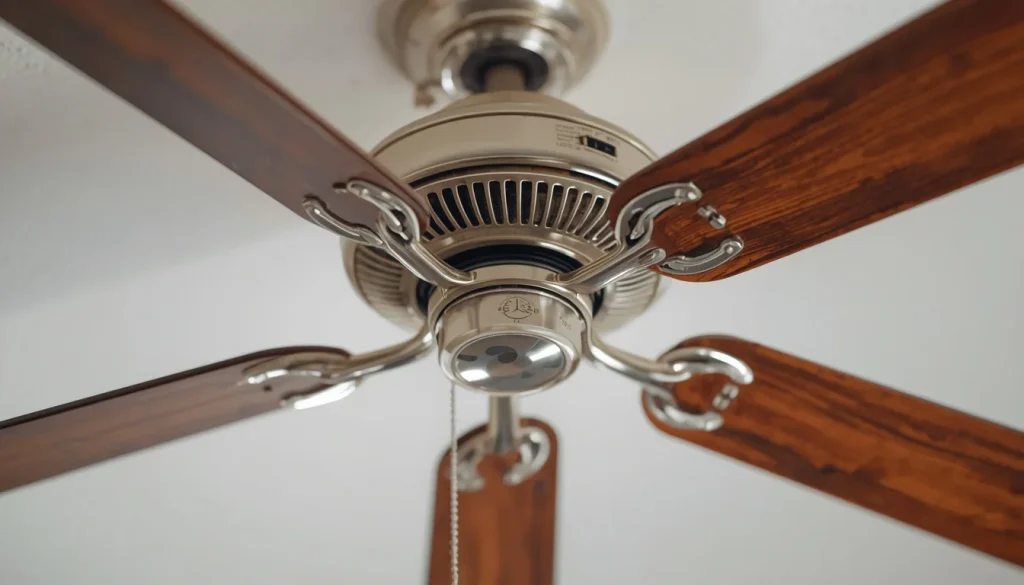
The light can still work because the light circuit and motor-starting components perform different functions.
Possible symptoms of a capacitor problem include:
- The fan does not start when you select a speed.
- The motor hums but the blades remain stationary.
- The fan struggles to start or runs unusually slowly.
- Some speed settings stop working.
- The fan’s performance becomes inconsistent.
A humming fan may involve other motor or mechanical problems as well. A humming sound alone does not prove that the capacitor is defective.
What should you do?
Do not open the motor housing or attempt to handle the capacitor yourself.
Capacitors and other internal electrical components can be hazardous. A technician can inspect the fan design, identify whether it uses a replaceable capacitor, and test the component before recommending a replacement.
It is also important to understand that not every ceiling fan uses the same capacitor arrangement. Some models use electronic motor controls instead.
7. The Receiver or DC Motor Controller Is Defective
A receiver or electronic motor controller is responsible for controlling how a ceiling fan responds to its operating commands.
In many remote-controlled fans, the receiver manages the light and motor functions. A fault affecting only the motor-control output can leave the light working while the fan remains still.
Modern DC ceiling fans use electronic motor-control systems. Depending on the model, a failed driver or controller may prevent the motor from operating even though another function, such as the light, still works.
Possible signs include:
- The light responds to the remote, but the motor does not.
- The fan stopped working after a power interruption.
- The remote appears to work, but changing fan speed has no effect.
- The fan does not respond even after the correct model-specific pairing procedure.
- The fan operates inconsistently.
What is the solution?
The receiver or motor controller may need testing or replacement.
However, these components are usually installed inside the fan’s electrical housing. Their replacement involves electrical connections and must follow the manufacturer’s specifications.
Do not bypass the receiver, connect motor wires directly to the power supply, or install a random replacement controller. A component that looks similar may not be electrically compatible with your fan.
A qualified technician can check the correct component and determine whether the receiver, DC controller, or motor is responsible.
8. A Motor Connector Is Loose or the Wiring Is Damaged
A ceiling fan contains electrical connections that supply the motor and its control components.
If a motor connector becomes loose, a wire is damaged, or an internal connection fails, the motor may stop working even though the light continues to receive power.
This can happen because the motor and light do not always depend on exactly the same internal connection path.
The problem may develop after an installation, repair, or period of regular operation. It can also occur because of damaged insulation, overheating, or an incorrect connection.
Watch for warning signs such as:
- The fan operates intermittently.
- The light works consistently, but the motor does not.
- You hear unusual electrical buzzing or crackling.
- There is a burning smell.
- You notice visible discoloration or signs of overheating.
What should you do?
Loose or damaged internal wiring needs proper electrical inspection.
Do not remove the canopy, open the switch housing, or reconnect motor wires as a trial-and-error repair. Simply switching off the wall control is not enough to make internal electrical work safe.
Stop using the fan if you notice a burning smell, smoke, sparks, or repeated breaker trips. Switch off the affected circuit at the breaker if it is safe to do so and contact a qualified electrician.
9. A Mechanical Obstruction or Damaged Motor Is Preventing Rotation
Sometimes the problem is not a remote, switch, or capacitor. A mechanical fault can also prevent the ceiling fan from rotating.
For example, a damaged blade holder, an incorrectly installed component, or an object caught near the rotating assembly may interfere with normal movement.
Internal motor problems can also prevent the blades from turning. Worn or damaged bearings, overheating, and damaged motor components may all affect operation.
Possible warning signs include:
- The fan makes an unusual grinding or rubbing sound.
- The blades appear to contact another part of the fan.
- The fan stops unexpectedly during operation.
- The motor housing becomes unusually hot.
- You notice a burning smell or smoke.
- The fan remains unable to operate after basic control checks.
What should you do?
Turn off the fan and isolate its electrical supply at the circuit breaker before touching or inspecting accessible mechanical parts.
Look for obvious visible obstructions or damaged external components. Do not force the blades, bend a blade holder, dismantle the motor, or attempt to repair internal bearings.
If the motor appears damaged or the blades cannot move normally, arrange a professional inspection. The technician can determine whether the fan is repairable or whether replacing the motor or complete unit is more practical.
How to Troubleshoot a Ceiling Fan When the Light Works but the Fan Doesn’t
Instead of replacing parts immediately, follow a logical troubleshooting sequence. Start with simple external checks and leave internal electrical diagnosis to a qualified professional.
Step 1: Identify Your Ceiling Fan’s Control Type
First, determine how your fan operates.
Does it use:
- A wall switch?
- A pull chain?
- A handheld remote?
- A smartphone app?
- A combination of these controls?
The answer matters because the troubleshooting process differs between fan models.
Check the user manual if you are unsure which control operates the motor.
Step 2: Check the Fan Speed Setting
If your fan has a pull chain, check whether its motor speed is set to OFF.
Use the manufacturer’s instructions to identify the correct speed sequence. Operate the chain gently and test the available settings.
If the chain is damaged or stuck, stop using it rather than pulling harder.
Step 3: Test the Remote and Smart Controls
For a remote-controlled fan, install fresh batteries and check the fan and light buttons separately.
If the fan uses an app, check whether the device appears connected and whether the app can communicate with the fan.
If pairing may have been lost, follow the correct reset procedure in the manufacturer’s manual.
Avoid assuming that all ceiling fan remotes use the same pairing sequence.
Step 4: Check the Wall Switch and Speed Controller
Make sure the wall switch supplying power to the fan is switched on.
If your fan has separate wall controls, check that the motor control is in the correct position.
Do not replace a lighting dimmer with a fan speed controller unless the fan manufacturer confirms that the proposed control is compatible.
Step 5: Check the Reverse Switch
If your fan has a manual reverse switch, turn the fan off and wait until its blades stop completely.
Isolate the power at the circuit breaker before touching the switch. Then follow the user manual to make sure it is fully positioned in one of its operating directions.
Skip this check if your fan uses an electronic direction-control system rather than a physical switch.
Step 6: Look for Obvious Mechanical Problems
With the fan switched off and its electrical supply isolated at the breaker, look for visible obstructions, damaged blades, or parts that appear to be rubbing against the rotating assembly.
Do not force the blades to move or dismantle any part of the motor.
If something appears damaged or the motor seems mechanically stuck, arrange a professional inspection.
Step 7: Arrange Internal Electrical Testing
If none of the basic checks solves the problem, the fault may involve an internal component.
A qualified electrician or fan technician can investigate:
- The receiver’s motor-control output.
- The AC fan’s capacitor, where fitted.
- The DC motor driver or controller.
- The motor connector and wiring harness.
- The pull-chain switch or internal speed control.
- The motor and its internal components.
This inspection is important because several different faults can produce exactly the same symptom.
For more general troubleshooting information, you can also read The Home Depot’s ceiling fan troubleshooting guide.
When Should You Call an Electrician?
Some ceiling fan problems can be narrowed down with simple checks. However, internal electrical repairs are different.
Contact a qualified electrician or an appropriately trained fan technician if:
- You notice a burning smell from the fan or ceiling area.
- The fan produces sparks or smoke.
- The circuit breaker trips repeatedly.
- You see damaged wiring or signs of overheating.
- The receiver or motor controller needs to be inspected.
- The capacitor or motor requires testing.
- The fan remains unresponsive after checking the external controls.
- You are unsure how to investigate the problem safely.
Never open the ceiling fan’s electrical housing or handle internal wiring while it is connected to the electrical supply.
Electrical work requirements differ by location. In the United States, the Electrical Safety Foundation International provides homeowner safety guidance. UK readers can consult Electrical Safety First’s advice for DIY electrical work. Canadian readers can check the Electrical Safety Authority’s guidance on electrical work, while Australian readers can consult their state or territory electrical safety authority, such as the NSW Government’s home electrical safety guidance.
Should You Repair or Replace the Ceiling Fan?
Whether you should repair or replace the fan depends on the actual fault, the age of the unit, the availability of compatible parts, and the cost of professional labour.
A minor control problem may be worth repairing. For example, a compatible replacement switch or receiver could restore normal operation without replacing the entire fixture.
On the other hand, a severely damaged motor or multiple failing components may make replacement more practical.
Before making a decision, consider:
- The age of the fan: An older fan may have other worn components that could fail later.
- The replacement part: Check whether the correct receiver, controller, or motor is still available.
- Repair costs: Compare the total repair estimate with the cost of a suitable replacement fan.
- Warranty coverage: Check the manufacturer’s warranty before paying for a new motor or control system.
- Safety: Do not continue using a fan that shows signs of overheating, damaged wiring, smoke, or electrical failure.
It is usually better to identify the actual problem before purchasing replacement parts.
Frequently Asked Questions
Can a ceiling fan light work if the motor is bad?
Yes. A ceiling fan’s light and motor may use separate internal control paths. The light can continue working even if the motor, motor controller, receiver output, or another motor-related component has failed.
However, a working light does not confirm that the motor itself is defective. Proper diagnosis is needed before replacing it.
Why does my ceiling fan remote turn on the light but not the fan?
The remote may be communicating with the light-control function while the motor-control function is not responding.
Possible causes include an incorrect fan setting, lost pairing, a faulty receiver output, an incompatible control, or a motor-related problem.
Start with fresh remote batteries and the manufacturer’s pairing instructions. If the fan still does not respond, arrange professional inspection.
Can a bad capacitor stop a ceiling fan from spinning?
Yes, a failed capacitor can prevent certain AC ceiling fans from starting or operating correctly.
The capacitor helps the motor function as designed, but not every fan uses the same capacitor arrangement. Many modern DC fans use electronic motor controllers instead.
A qualified technician should identify the fan’s design and test the relevant component.
Does a working ceiling fan light mean the motor is getting power?
Not necessarily.
The working light confirms that at least part of the fan’s electrical system is operating. It does not prove that the motor is receiving the correct supply or control signal.
A separate switch, receiver output, motor connector, capacitor, or controller problem may still prevent the fan from turning.
Can a bad receiver stop only the ceiling fan motor?
Yes. Some remote-controlled ceiling fans have separate control functions for the motor and light.
If the receiver’s motor-control section fails while its light-control section remains operational, the light may work even though the motor does not respond.
The receiver must be checked against the manufacturer’s specifications before replacement.
Why does my ceiling fan make a humming noise but not spin?
A humming fan has a different set of possible causes from a completely silent fan.
Depending on the design, the problem may involve the capacitor, motor controller, motor, wiring, or a mechanical issue.
Turn the fan off if the humming continues without rotation, especially if you notice unusual heat or a burning smell. For more specific guidance, read our article on why a ceiling fan hums but won’t spin.
Do DC ceiling fans use capacitors?
DC ceiling fans generally use electronic motor-control systems rather than the same capacitor-based arrangements found in many traditional AC fans.
However, the exact design varies by manufacturer. Always consult the fan’s manual before assuming that it needs a replacement capacitor or a particular controller.
Final Thoughts
When your ceiling fan light works but the fan doesn’t, the problem is not necessarily as serious as it first appears.
An incorrect speed setting, remote-control issue, faulty wall controller, or reverse-switch problem may be responsible. Other possibilities include a damaged pull-chain switch, failed capacitor in an applicable AC fan, defective receiver, DC motor-control fault, damaged wiring, or a problem with the motor itself.
Start with the simple checks that do not require opening the fan. Check the controls, speed settings, remote batteries, and manufacturer instructions before considering more complex repairs.
Most importantly, do not replace the motor or internal components based on guesswork. If the problem involves wiring, a receiver, a capacitor, or the motor, have the fan inspected by a qualified professional.
Finding the actual cause first can save money, prevent unnecessary replacements, and help you get your ceiling fan working safely again.

“The right fan can make a bigger difference than you think.”
Hi, I’m Michael Turner, an author and home appliance researcher at BestFanSolve.com.
My interest in fans started with a simple question: How do you know which fan is actually right for your needs? With so many types, features, brands, and technical specifications available, choosing a fan can quickly become confusing. I created BestFanSolve.com to make that process easier.
Through this website, I share practical fan reviews, buying guides, comparisons, troubleshooting tips, maintenance advice, and solutions to common fan problems. I focus on turning complicated product information into clear, useful guidance that everyday readers can actually understand and use.
Whether you’re searching for a quiet bedroom fan, a powerful fan for a large room, an energy-efficient option, or simply trying to figure out why your current fan isn’t working properly, my goal is to help you find the information you need before making a decision.
I believe good recommendations should be based on research, real-world considerations, honest pros and cons, and the specific needs of the user—not simply marketing claims.
Through BestFanSolve.com, I’m committed to helping readers find the right fan, solve common fan problems, and make smarter purchasing decisions with confidence.
— Michael Turner
Author & Home Appliance Researcher
BestFanSolve.com